M3U & Xtream
Add any playlist via M3U URL or Xtream Codes account. Multiple sources at once (premium).
 OpenViewIPTV
Now on Google Play
OpenViewIPTV
Now on Google Play
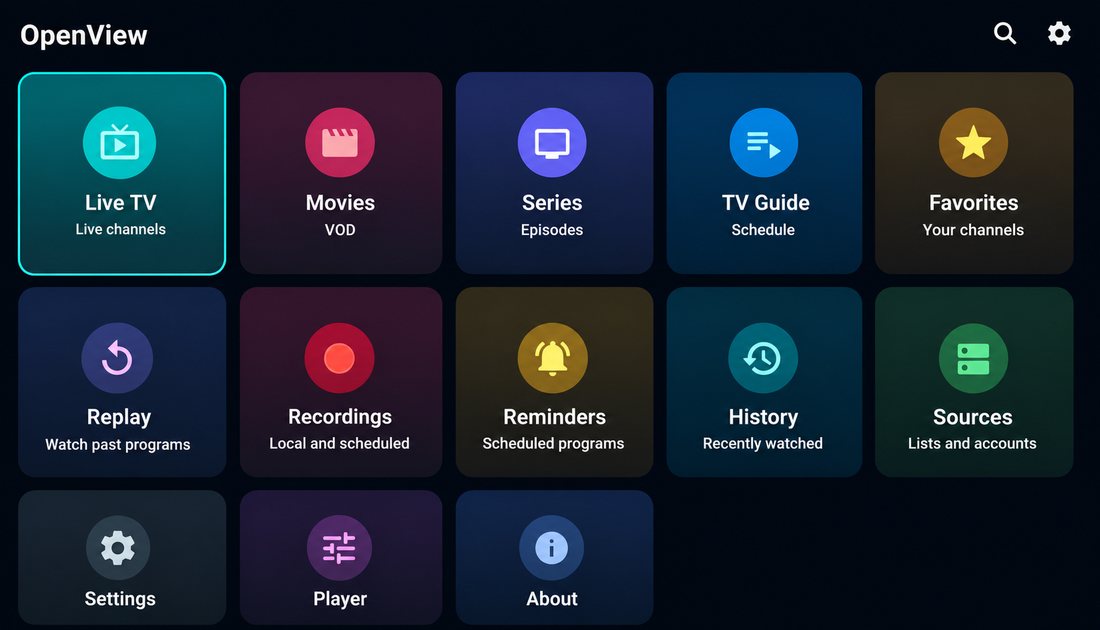
A fast, elegant player for every screen. Bring your own playlist — M3U or Xtream — and watch everything with a program guide, recordings and reminders.
Android 7.1+ · on Google Play · APK for Fire TV & sideload
Add any playlist via M3U URL or Xtream Codes account. Multiple sources at once (premium).
Full schedule with what's on now and next, organized by channel.
Record programs and get reminders so you never miss anything (premium).
Interface in Portuguese, English, Spanish, French, German, Italian, Russian, Japanese, Chinese and Arabic.
Built TV-first — remote navigation — but perfect on the phone too.
Export and import your whole setup in one click whenever you switch devices (premium).
On a phone, tablet or Android TV, install it like any other app. Updates arrive automatically.
Or install the APK — for Fire TV and devices without the Play Store
Tap the download button. The file lands on your device.
On your TV/phone, allow "install unknown apps" for your browser or file manager.
Enter your M3U URL or Xtream account and you're ready to watch.
Yes. The app is free to download and use. An optional premium unlocks multiple sources at once, recordings, reminders and backup.
No. OpenView is only a player. You bring your own M3U or Xtream playlist — it does not host or provide any channels or content.
Yes — you can install it from Google Play and get automatic updates. The direct APK download stays available for Fire TV and devices without the Play Store.
Android TV, Fire TV, and Android phones and tablets running Android 7.1 or newer.
On Android TV, install it straight from Google Play. On Fire TV, use the Downloader app and paste the APK link, or sideload it after allowing installation from unknown sources.
M3U and M3U8 playlist URLs, and Xtream Codes accounts.
Yes. Your playlist stays on your device — OpenView never uploads or shares it.
Get OpenView IPTV and bring your own playlist.